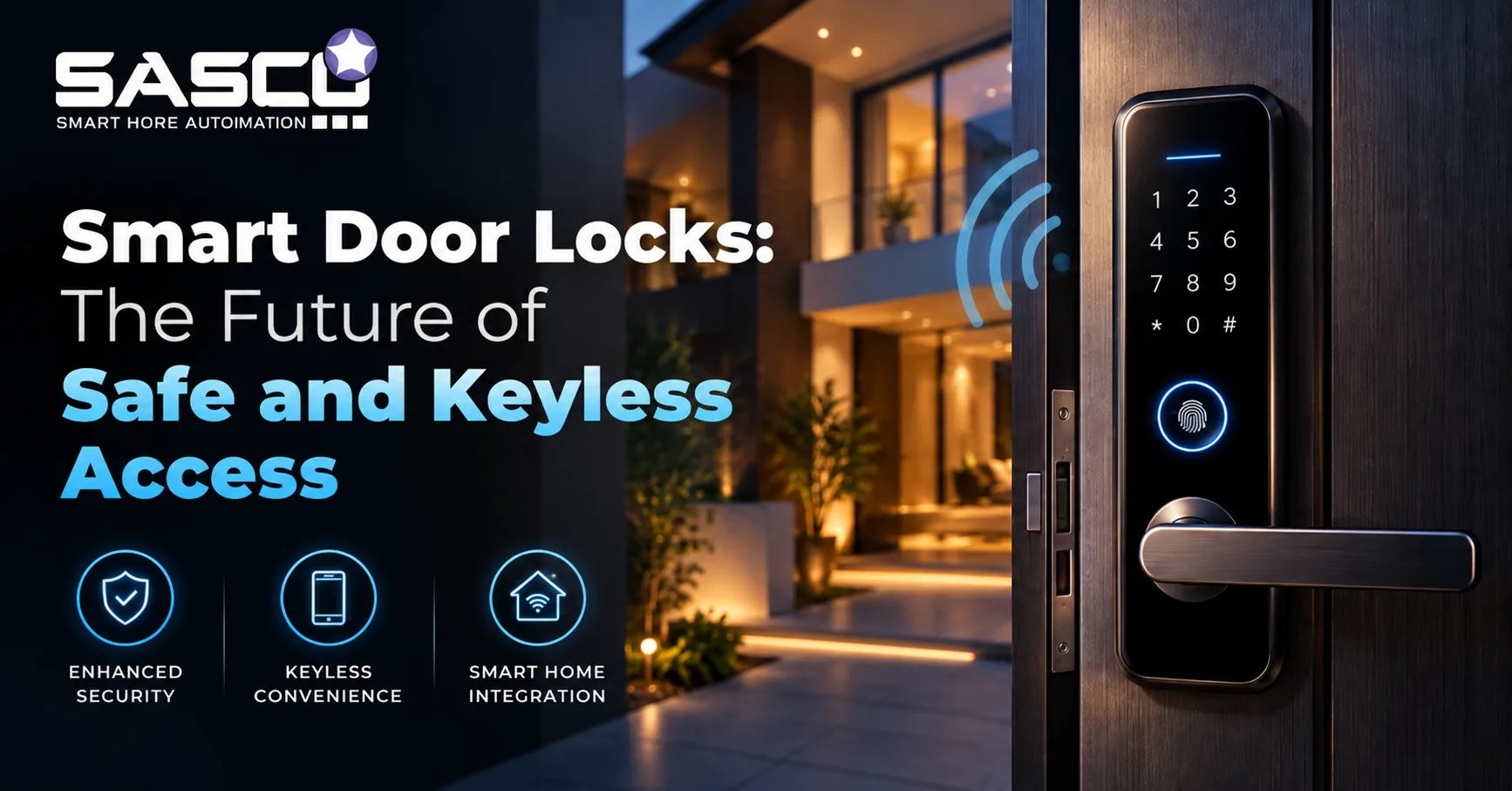
The physical key has been the default home security method for centuries. It’s also been the source of recurring problems — lost keys, duplicate keys made without permission, no way to know who entered and when. Smart door locks solve all of these without changing how a door looks from the outside or requiring any major modification to the door frame.
A smart door lock replaces or augments the mechanical lock mechanism with electronics that allow the door to be unlocked via app, fingerprint, PIN code, voice command, or proximity — and locked again automatically when you leave. For homeowners in Delhi NCR integrating security into a broader smart home setup, SASCO Smart Homes installs and commissions smart door locks as part of complete home automation systems, alongside video door phones, smart lighting, and scene controls.
How Do Smart Door Locks Work?
Smart door locks operate through a motorised actuator — an electric motor inside the lock body that throws or retracts the bolt when it receives an authorised signal. That signal can come from a mobile app over WiFi or Bluetooth, a fingerprint scanner on the lock itself, a PIN pad, or an NFC card.
The lock communicates with a hub or directly with a phone. Higher-end systems connect to the home network, making remote access and activity logs available from anywhere. Simpler models use Bluetooth alone and only work within range.
The mechanical bolt remains — smart door locks still physically secure the door the same way a traditional lock does. The electronics add control layers, not structural weakness.
Types of Smart Door Locks
Fingerprint door lock — uses a biometric sensor to identify fingerprints stored in the lock’s memory. Fast, reliable in most conditions, and doesn’t require a phone. A fingerprint door lock is the most common type installed in Indian homes for primary entry.
WiFi door lock — connects directly to your home router. Remote access from anywhere with a network connection, real-time notifications, and cloud-based activity logs. A WiFi door lock is the right choice if you frequently need to grant access from outside the home.
Bluetooth door lock — connects to your phone over Bluetooth. No network dependency, but range is limited — typically 5–10 metres. A Bluetooth door lock works for homes where remote access isn’t needed but app control is convenient.
Smart deadbolt lock — replaces the standard deadbolt mechanism. Retrofit installation that converts an existing door’s deadbolt to smart operation without changing the door hardware visible from outside. Common in apartments and rental properties.
Keyless entry door lock — any smart lock that doesn’t require a physical key as the primary access method. Covers fingerprint, PIN, card, and app-based systems. A keyless entry door lock eliminates the key management problem entirely.
App-controlled door lock — operated primarily through a companion app. Usually combines WiFi and Bluetooth. Remote monitoring, access code management, and activity logging all through the app interface.
Smart lock with camera — integrates a small camera that captures images or video when someone accesses the lock. Useful for logging who entered and when, and can work alongside a video door phone system.
Battery operated smart lock — runs on standard AA or lithium batteries rather than wired power. Most smart door locks use this approach. Batteries typically last 6–12 months under normal use. Low battery alerts through the app prevent lockout situations.
Smart lock without wifi — operates over Bluetooth or Zigbee without requiring internet connectivity. A smart lock without wifi is appropriate where network reliability is a concern or where simple app control without remote access is sufficient.
How Can You Unlock a Smart Door Lock?
Most smart door locks support multiple unlock methods simultaneously:
- Fingerprint — biometric scan at the lock
- PIN code — numeric keypad on the lock face
- Mobile app — tap or auto-unlock via Bluetooth or WiFi
- NFC/RFID card — tap a card or fob against the reader
- Voice — via Alexa, Google Assistant, or similar integration
- Mechanical key — most smart locks retain a physical key cylinder as backup
Auto-unlock is the most convenient method — the lock detects your phone approaching via Bluetooth geofencing and unlocks automatically. Auto-lock activates when you leave the defined perimeter or after a set time delay.
Smart Door Locks With WiFi vs Without WiFi
| Feature | WiFi Door Lock | Smart Lock Without WiFi |
| Remote access | Yes — from anywhere | No — Bluetooth range only |
| Real-time alerts | Yes | Limited |
| Guest access management | Remote, from any location | Requires physical proximity |
| Network dependency | Yes — outage affects remote features | None |
| Battery life | Shorter — WiFi consumes more | Longer |
| Best for | Frequent travellers, large homes | Apartments, occasional remote need |
Both work reliably for day-to-day use. The WiFi model adds remote capability; the non-WiFi model keeps things simpler with longer battery life.
Key Benefits of Smart Door Locks
No key management. A keyless entry door lock eliminates lost keys, forgotten keys, and the security risk of keys copied without permission. Access codes and fingerprints can be added or removed from an app in seconds.
Timed access codes. Create temporary codes for housekeeping, delivery, or guests that expire automatically. No need to collect keys or change locks when access ends.
Activity logs. Know who entered and when, through the app. A smart lock for home in a household with children or domestic staff provides visibility that a standard lock doesn’t.
Auto-lock. The door locks itself after a set delay or when you leave. The “did I lock the door?” anxiety ends — you can check and lock remotely if needed.
Integration. Smart door locks connect with home automation systems — a “leaving home” scene can lock the door, turn off lights, arm security, and set the AC in one action.
Are Smart Door Locks Safe and Reliable?
The security question comes up consistently. Three concerns and honest answers:
Hacking risk. WiFi door locks communicate over encrypted protocols. The practical risk of remote hacking for a home smart lock is low — far lower than the risk of a physical key being copied. Reputable brands use AES-128 or higher encryption.
Power failure. All battery operated smart lock designs provide low-battery alerts before power runs out. Most retain a mechanical key cylinder as backup. A completely drained battery can be bypassed by touching an external terminal with a 9V battery for emergency power.
Mechanical reliability. The motor inside smart door locks is engineered for high cycle counts. Well-manufactured units handle tens of thousands of lock/unlock operations without failure.
Smart locks aren’t risk-free — no security product is. But the practical security level of a quality smart door lock is higher than a standard pin tumbler lock, not lower.
How to Choose the Right Smart Lock for Your Home
Start with your access needs. Do you need remote access regularly? WiFi door lock. Is Bluetooth range sufficient? Smart lock without wifi. Is biometric primary entry the priority? Fingerprint door lock.
Check door compatibility. Smart deadbolt locks fit most standard door preparations. Mortise-style locks — common in older Indian doors — require a compatible mortise smart lock. Measure the backset and door thickness before ordering.
Confirm integration. If you have or plan a smart home system, verify the lock works with your hub or voice assistant. Standalone smart locks that don’t integrate with the rest of your system are a missed opportunity.
Check battery life claims. A battery operated smart lock with 3-month battery life in real use is more maintenance than most owners expect. Ask for real-world estimates, not manufacturer maximums.
Include professional installation. Alignment between the bolt and strike plate is critical. A smart lock that’s physically misaligned will have motorised strain on every cycle. SASCO Smart Homes installs and configures smart door locks as part of complete home security and automation projects across Delhi NCR — including integration with video door phones and scene automation. Visit sascosmarthome.com or reach out at projects@sascosmarthome.com.
Conclusion
Smart door locks are one of the more immediately practical smart home upgrades available — they solve real daily problems, integrate with broader automation, and don’t require major door modifications to install. Whether you need a fingerprint door lock for biometric entry, a WiFi door lock for remote access, or a simple app-controlled deadbolt, the technology is reliable enough for daily home security.
The physical key isn’t going away entirely — but for most homeowners, it’s becoming the backup rather than the primary method.
FAQs
1. What are smart door locks?
Smart door locks are electronic locks that allow keyless entry using fingerprints, PINs, mobile apps, cards, or other methods.
2. How does a fingerprint door lock work?
A fingerprint door lock scans an authorised fingerprint and unlocks the door when it matches stored biometric data.
3. What is the difference between WiFi and Bluetooth door locks?
WiFi door locks support remote access, while Bluetooth door locks usually work within a limited range without internet.
4. Do smart door locks work without WiFi?
Yes, a smart lock without WiFi can use Bluetooth or Zigbee for local access and app-based control.
5. How long do smart door lock batteries last?
A battery operated smart lock typically lasts around 6–12 months under normal use, depending on the model and usage.